The complete digitization solution for your NDT workflow
DRIVE NDT comprehensively maps the entire workflow of your inspection department within a single system. This enables precise management of all work processes and an optimal status overview of all inspection orders.
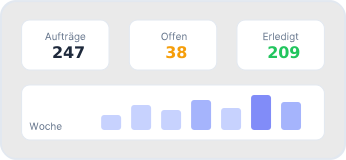
Dashboard
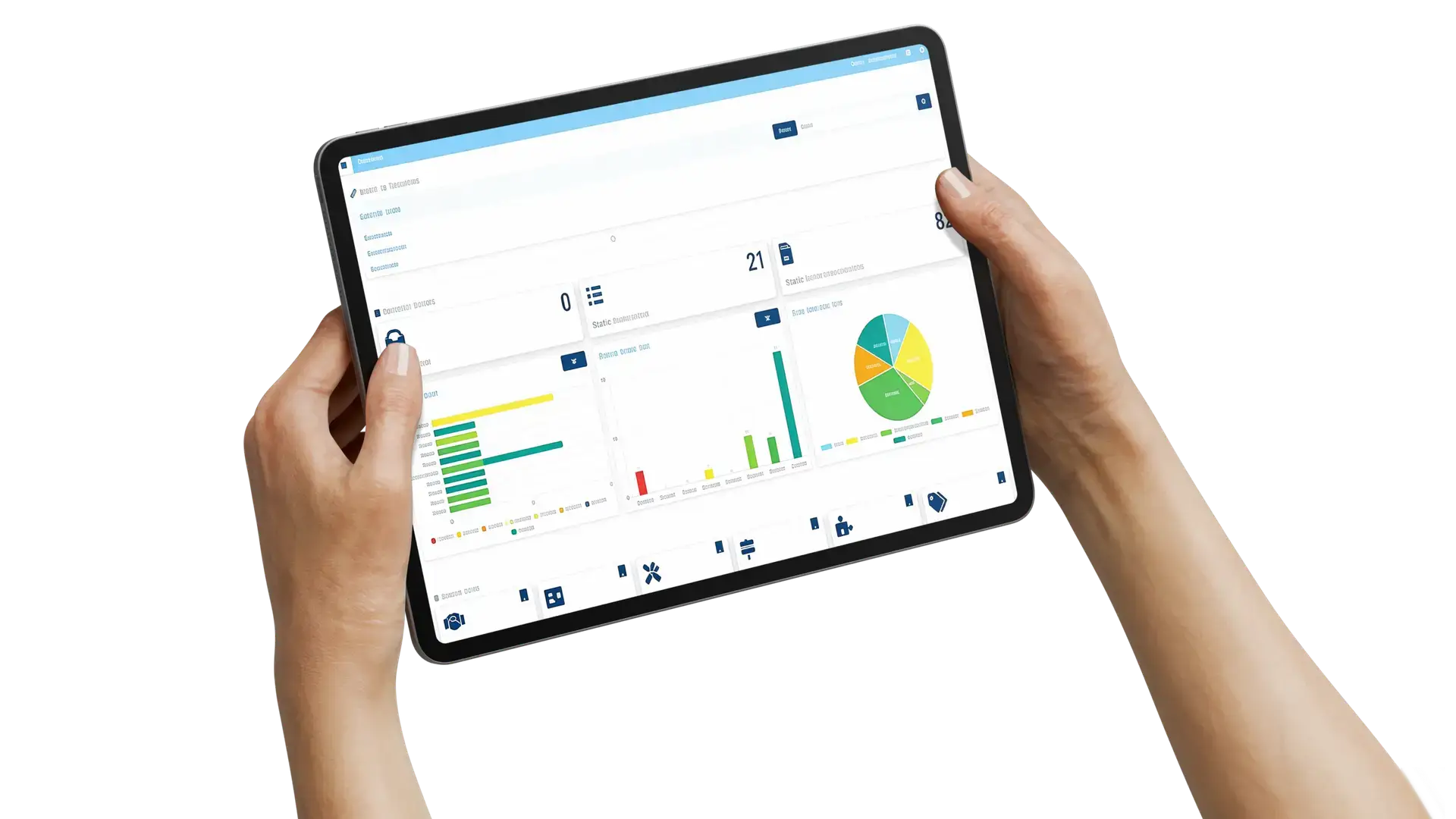
Everything at a glance. The dashboard shows you the status of all current inspection orders and associated inspections, and provides access to the most important functions. Here you can also see the latest inspection reports and the last actions of the logged-in user.
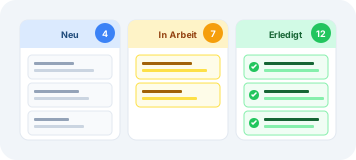
Order Management
Whether it's a single test object or orders with numerous test objects and procedures, DRIVE NDT enables complete order management: from order entry, assignment of inspectors, equipment, inspection instructions, and standards, to inspection report generation, release, and archiving.
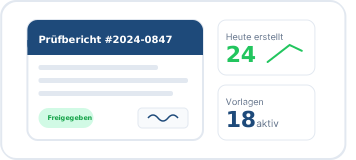
NDT Inspection Report Generation
Easily create and manage individual inspection reports for all NDT procedures. Fully customizable report templates and data fields allow for unlimited individualization. Automatic order and inspection data import simplifies creation and prevents input errors.
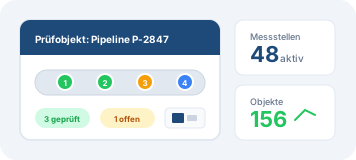
Test Object Management
Test objects can be created and assigned to customers, locations, or facilities. In addition, measuring points can be defined, and isometric drawings and other drawings can be stored. A new order can be created from the test objects with a single click.
Inspection Personnel Management
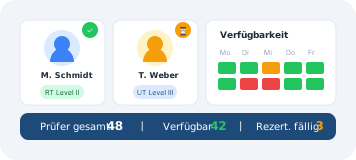
All personnel-related tasks in the inspection environment can be effortlessly managed. See the availability of your employees and assign inspection orders to them. Manage certificates, radiation doses, and examination appointments.
Equipment Management
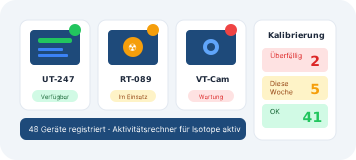
Equipment management allows you to easily keep track of all your inspection devices and tools. For example, whether the device is available, where it is located, and when the next maintenance or calibration is due.
Inspection Instructions and Standards
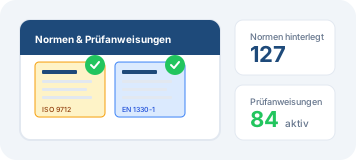
All inspection and procedural instructions, as well as standards such as evaluation standards, object standards, personnel standards, and procedural standards, can be referenced or centrally stored with attachments. These can then be accessed in daily operations and assigned to inspection orders.
Item Creation
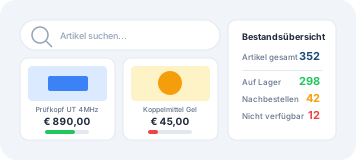
The creation of items/services, such as components or test objects, facilitates repeated use and inventory monitoring. In addition to prices, validity periods and customer discounts can be defined, and associated suppliers can be managed.
Revenue
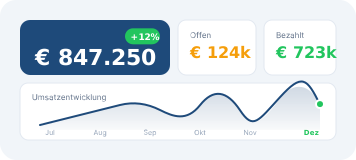
With DRIVE NDT, you always keep an eye on your revenue. This can be displayed by order or inspection, so you are always informed about how much revenue is in which status.
Customer Data
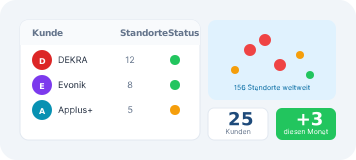
Comprehensive customer management includes the assignment of contacts, industries, and locations. Migration of your customer base from a CRM or ERP system is easily possible.
Media Manager
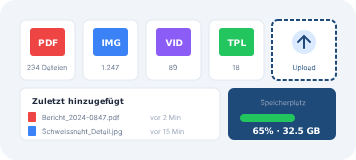
The Media Manager enables central management of all media in DRIVE NDT, including images, documents, notes, videos, inspection log files, and templates.
User Management
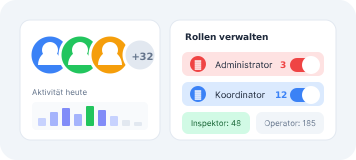
The number of possible users is almost unlimited; various roles with corresponding access rights can be defined and individually assigned for them, such as coordinator, inspector, or operator.
Notification Center
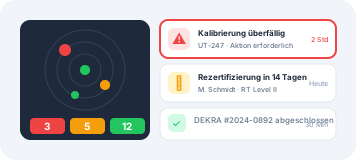
Via the Notification Center, you receive automatic system notifications regarding inspection orders, due medical check-ups and re-certifications for personnel, as well as maintenance and calibrations of equipment.
Networking
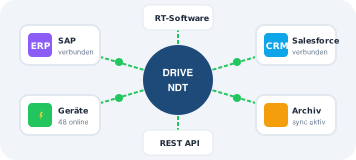
Direct communication with inspection devices, as well as standardized interfaces to CRM, ERP, and archiving systems, ensure continuous networking and thus a highly efficient and comfortable workflow.
Technology
DRIVE NDT digitizes your NDT workflow!
DRIVE NDT serves as a central platform that connects all systems, enabling continuous digital communication and automatic data exchange (Industry 4.0 / NDT 4.0). Because all data from the inspection departments is stored in DRIVE NDT, a data basis is created for comprehensive evaluations, e.g., for predictive maintenance.
Efficiency gains of up to 50%*
Based on the experiences of our customers such as DEKRA, Evonik, and Applus+ – who work significantly faster through centralized workflows and automated inspection reports.
1
Bundling all NDT processes into a single system
2
More efficient initiation, planning, and execution of inspections
3
Real-time status overview of all orders and inspections
4
Support through system notifications
5
Audit security through traceable inspection procedures and processes
6
Creation of individual NDT inspection report templates
7
Import of inspection data from the inspection device
8
Minimization of human input errors through automatic data entry
9
Comprehensive test object management
10
Virtually unlimited customizable user roles
11
System access possible anytime, anywhere
12
Future-proof storage and smart analysis of all data
13
Seamless integration into existing system environments
*Based on customer experience
Digitize your NDT workflow with DRIVE NDT
Request your free demo today and experience how DRIVE NDT optimizes your processes.
Free Demo
Personal consultation
This site is registered on wpml.org as a development site. Switch to a production site key to remove this banner.